Telematics Installation on CAN Bus Vehicles: Ignition and Speed
By Alec J. Reviewed byJames M.
A good telematics installation on a CAN bus vehicle starts with two signals: a true ignition state and an accurate road speed. Take both from the vehicle network through a CAN interface and the tracker logs trips, distance and driver behaviour correctly, with no cutting into the factory loom.
Key facts:
- Ignition decides the trip. A tracker uses ignition on and off to start and end journeys.
- Speed drives the data. Road speed feeds distance, speeding and harsh-driving reports.
- Both live on the bus. On modern vehicles these are network messages, not always dedicated wires.
- An interface supplies them cleanly. It reads the messages and presents a switched live and a speed signal.
- Power stays separate. The tracker still needs a fused, permanent supply.
Why do ignition and speed matter so much?
Fleet reports are built from very little raw data. Position comes from the satellite receiver, but almost everything else hangs on two inputs.
Ignition tells the device when a journey starts and stops. Get it wrong and you see the classic symptoms:
- Trips that never end, or that split into dozens of short fragments.
- Vehicles shown as moving while parked, or parked while working.
- Timesheet and utilisation reports that don’t match what drivers actually did.
Speed feeds distance, speeding alerts and driver scoring. A tracker can estimate speed from satellite positions, but a vehicle speed signal is more consistent in towns, tunnels and multi-storey car parks where the satellite fix drops out.
When both inputs are right, the reports become something a fleet manager can act on. When either is wrong, every report built on it inherits the error.
Where are the ignition and speed signals on a CAN vehicle?
On older vehicles you found an ignition-switched live behind the dash and, on some models, a road speed wire. On current cars, vans and trucks both are often carried as messages on the CAN bus.
That changes the install:
- The obvious wire may be wrong. A feed that looks like ignition might be an accessory circuit that stays live after the engine stops, or drops out during cranking.
- The speed wire may not exist. Road speed is shared between modules over the network rather than on its own wire.
- Splicing has consequences. Loading a monitored circuit or a data pair risks fault codes, as covered in our guide to fitting accessories without cutting wires.
A telematics speed interface solves both by reading road speed, ignition and status off the network and handing them to the tracker in the form it expects.
How should you wire a tracker on a CAN bus vehicle?
Treat power, ignition and speed as three separate jobs.
| Input | Source on a CAN vehicle | What it controls |
|---|---|---|
| Permanent power | Fused permanent supply | Keeps the device running and reporting while parked |
| Ignition | CAN interface switched output | Trip start and end, utilisation, timesheets |
| Road speed | CAN interface speed output | Distance, speeding alerts, driver scoring |
| Earth | Clean chassis or supply earth | Stable reference for all inputs |
A few practical points from the workshop:
- Fuse the supply close to source. Use cable rated for the device and route it away from moving parts.
- Use the interface for ignition, not a guess. An ignition and accessory output follows the vehicle’s own state, so it doesn’t drop during cranking or stay on when parked.
- Mount for signal. Fit the device where it has a reasonable view of the sky and a clear mobile signal, away from heavy metal shielding.
- Hide it sensibly. Hidden and securely mounted, but reachable for a service visit.
How do you test a telematics install?
Testing before handover is quicker than a return visit. Run through this with the fleet platform open:
- Power check. Confirm the device reports while the vehicle is locked and parked.
- Ignition on and off. Watch the platform register both, with no delay or bounce.
- Crank test. Start the engine and confirm the ignition state doesn’t drop while cranking.
- Drive test. Drive a short loop and compare reported speed and distance with the dashboard.
- Vehicle check. Make sure the vehicle shows no new warnings or fault codes.
- Record it. Note device location, fuse ratings and interface type on the job sheet.
On a fleet rollout, test the first vehicle of each make and model fully before fitting the rest. One wrong assumption repeated across fifty vans is expensive to fix.
Do tachographs and speed-dependent kit use the same signal?
Often, yes. The same clean road speed that feeds a tracker also drives other speed-aware equipment. Scorpion’s telematics interface can provide a compliant speed input for digital tachograph systems on commercial vehicles, and status feeds for utilisation and duty-of-care reporting.
It pairs with the multi-output interface when a vehicle also needs reverse, illumination or park brake for cameras and screens, so one clean takeoff serves the whole install.
Telematics built and supported by one manufacturer
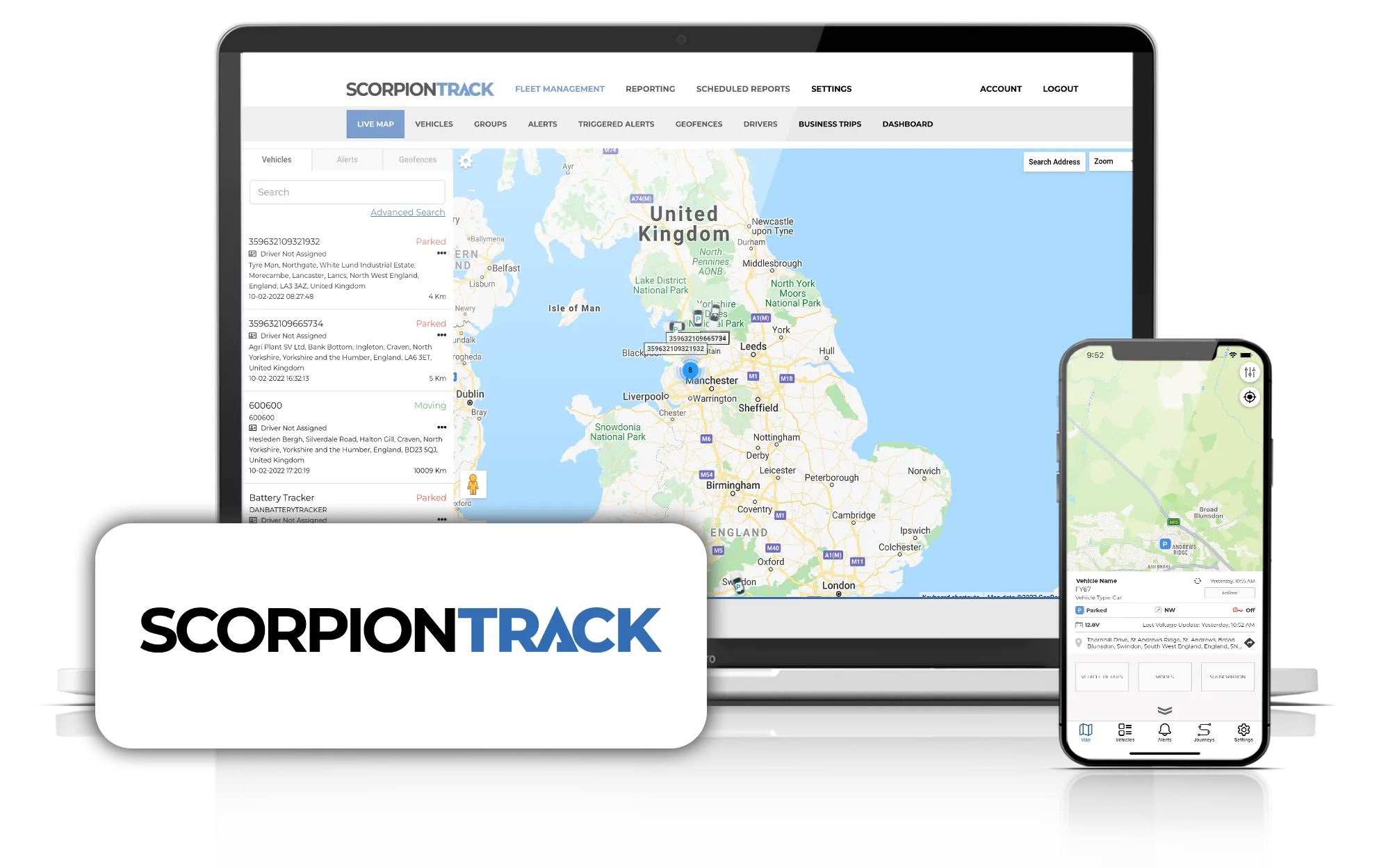
As a telematics manufacturer, Scorpion builds the tracking as well as the interface. ScorpionTrack devices and our fleet management platform are designed and supported in-house, so the chain from the signal on the network to the report on screen is engineered by one company.
For car and van tracking with Thatcham-recognised systems, see ScorpionTrack vehicle tracking.
Talk to us about your mixed-fleet install
Rolling out telematics across a mixed fleet? Tell us the vehicles and the devices, and we’ll confirm a clean ignition and speed feed for each.
- Speak to us about your fleet install
- Telematics speed interface for speed and status off the CAN bus
Frequently Asked Questions
Where do I connect a tracker’s ignition wire on a CAN bus vehicle?
Use a switched output from a CAN interface that reads the vehicle’s ignition state from the network. It follows the vehicle’s own ignition, so it doesn’t drop during cranking or stay live after the engine stops, which keeps trip logging accurate.
Does a GPS tracker need a vehicle speed signal?
Not always, because it can estimate speed from satellite positions. A vehicle speed signal from the CAN bus is more consistent where the satellite fix drops out, such as tunnels and car parks, and improves distance and driver reports.
Why does my tracker show trips that never end?
The ignition input is usually the cause. It may be wired to a feed that stays live after the engine stops. Moving the input to a CAN-derived ignition output normally fixes split or endless trips.
Can I install telematics without cutting the loom?
Yes. A CAN interface supplies ignition and speed from the network, and the device takes power from a fused supply. Nothing in the factory wiring needs to be cut, so the install is tidy and easy to remove later.
How do I test a telematics installation?
Check the device reports while parked, confirm ignition on and off register on the platform, make sure cranking doesn’t drop the ignition state, then drive a short loop and compare speed and distance with the dashboard.
Speak to our team
Questions about vehicle security, tracking or fleet telematics? Our UK team will point you to the right product for your vehicle or fleet.
Related Products
View all products →
- telematics
- CAN bus
- fleet engineering
- installers

Alec J.
Software Engineer at Scorpion Automotive
Alec J., a Software Engineer at Scorpion Automotive in Chorley, covers CAN bus, vehicle electronics and electric vehicles.
Reviewed by James M., Technical Director at Scorpion Automotive